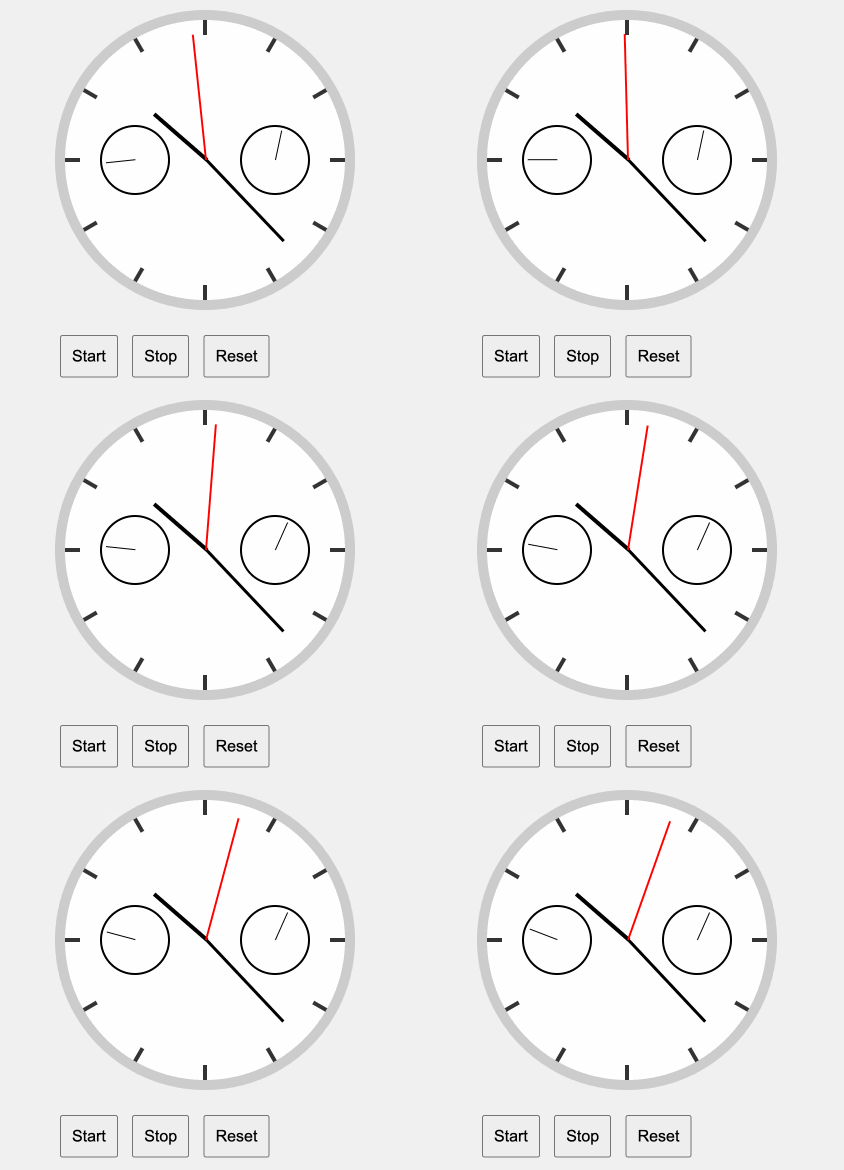
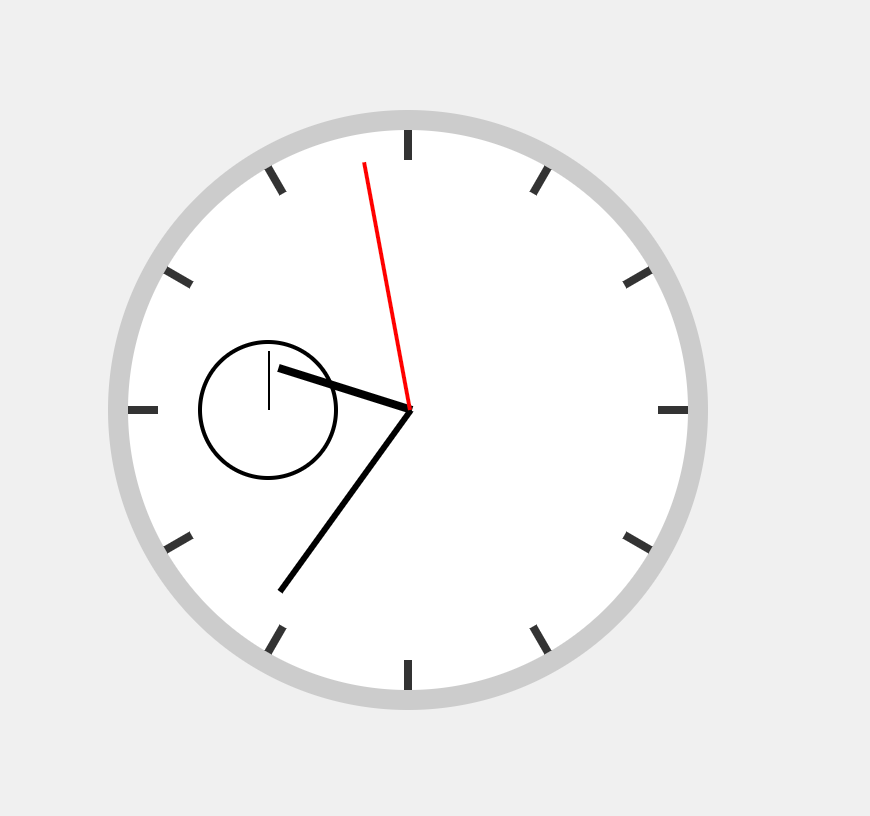
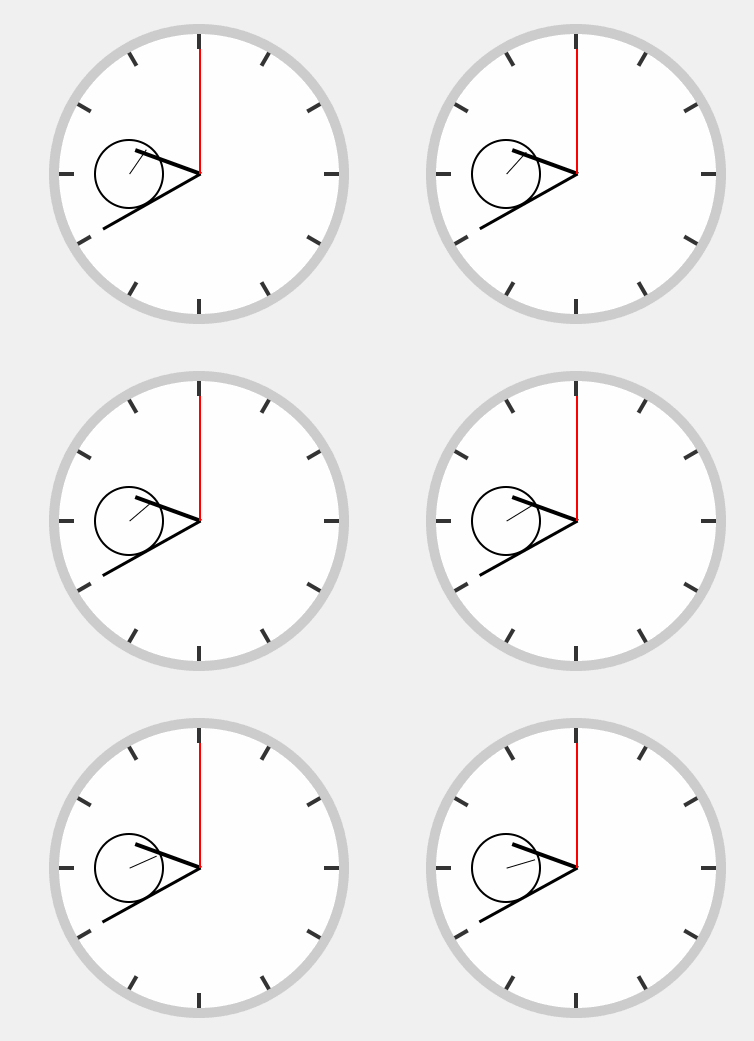
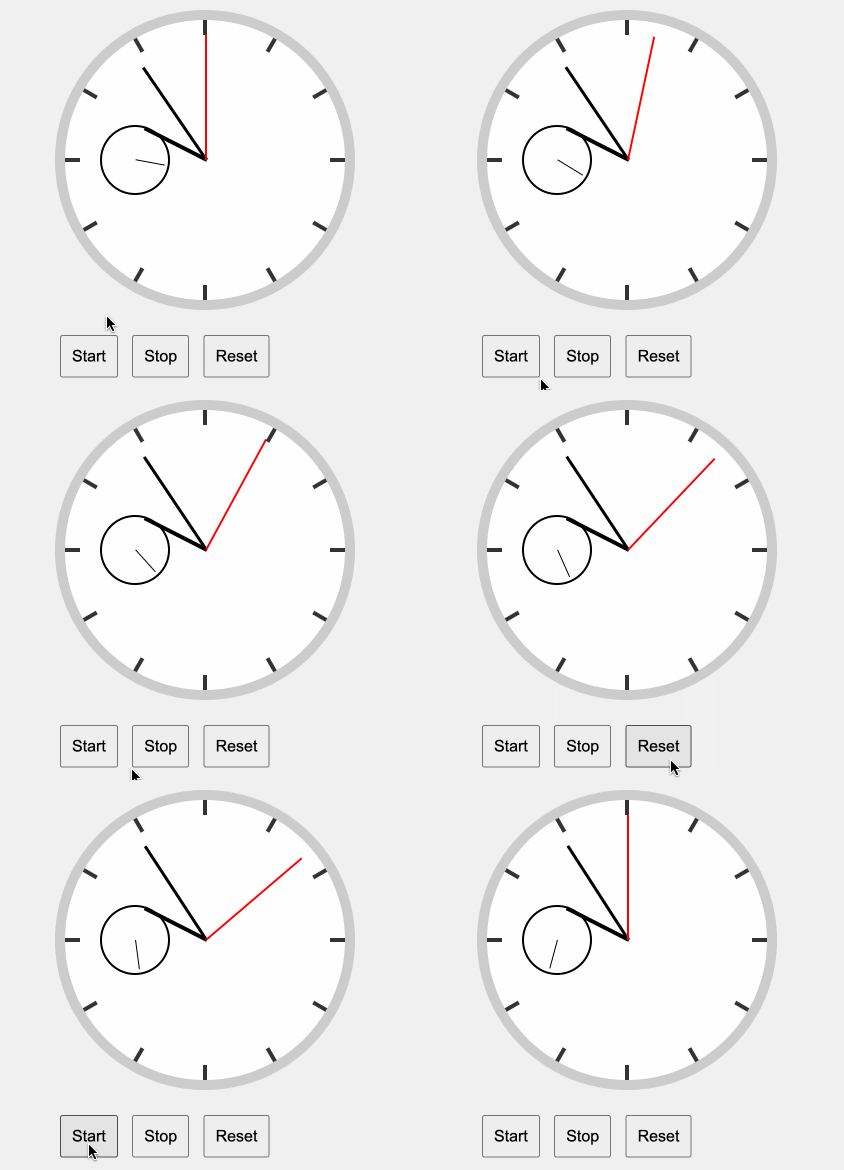
We already have this up and running as a basic analog watch with
Basic UI
The movement
Now we can get to the real chronograph thingy.
Add the sub-second dial
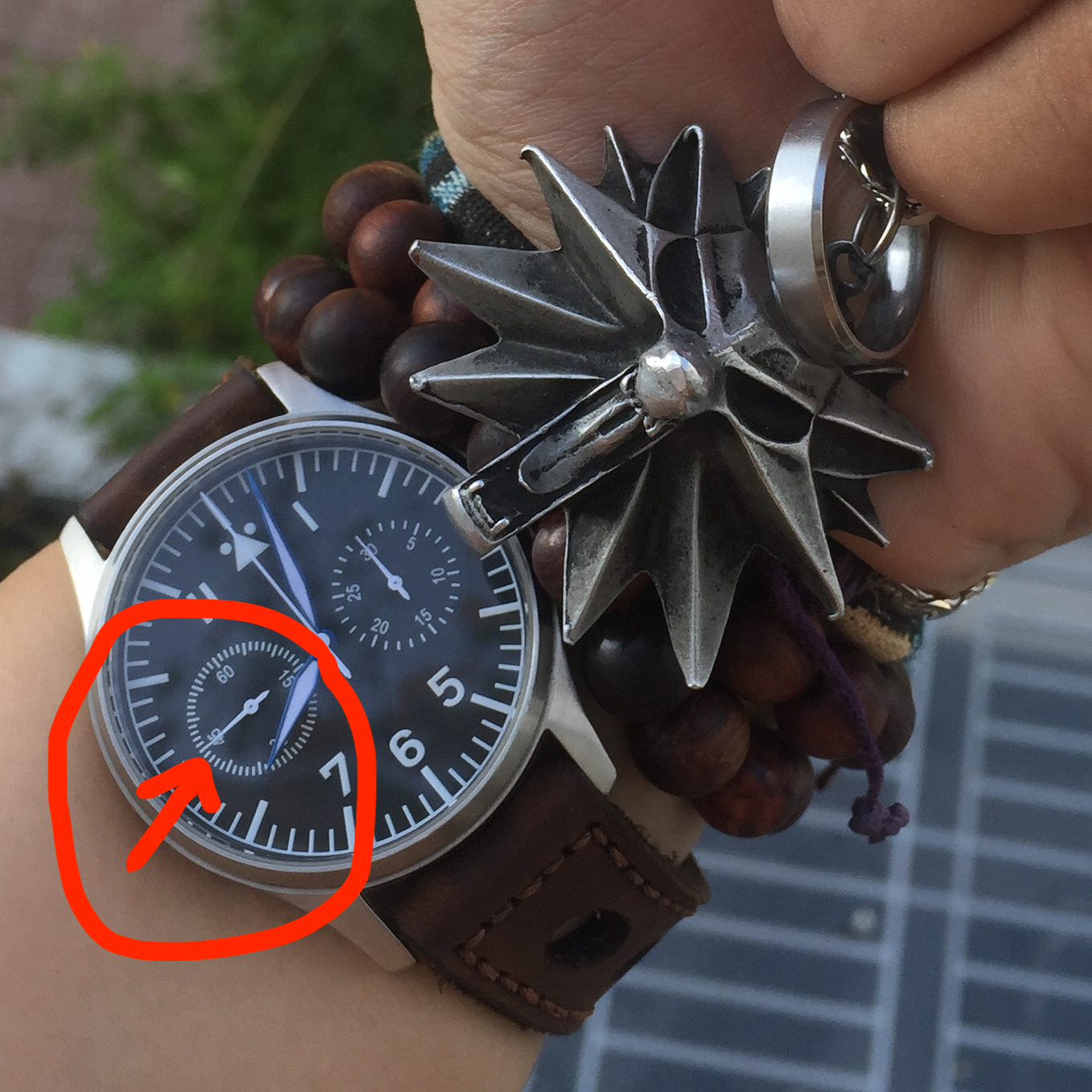
Maybe you already know that the standard chronograph will have a small sub-dial for the real-time second hand, while the red second hand from the design, most of the time, will stay at the 12-hour mark and only run when the timer starts.
Let’s add it.
In the HTML file we add this to the dial
1
2
3
4
5
6
7
8
9
<divclass="dial"> <divclass="hand hour-hand"></div> <divclass="hand minute-hand"></div> <divclass="hand main-second-hand"></div> <!-- Sub-dial for Real Time Seconds --> <divclass="sub-dial real-time-second-dial"> <divclass="hand sub-second-hand"></div> </div> </div>
// Chronograph function for main second hand functionstartChronograph() { chronographSeconds++; if (chronographSeconds / 4 === 60) { chronographSeconds = 0; } updateHands(); }
// Chronograph function for main second hand functionstartChronograph() { chronographSeconds++; if (chronographSeconds / 4 === 60) { chronographSeconds = 0; chronographMinutes++; }
if (chronographMinutes === 30) { chronoMinuteMinutes = 0; }
Now we have the watch looked exactly the same as my real watch right? xD
The end
Since I’m looking for a new software engineer position, this is good practice for front-end interview questions, where I can demonstrate my knowledge of HTML, CSS, and pure Javascript skills.
Maybe I can make a newer version with proper state management in the near future. If you have any suggestions to make this better, please let me know!
Thank you so much for following up on this topic.
Have a nice nice new day!